Purchase Guide
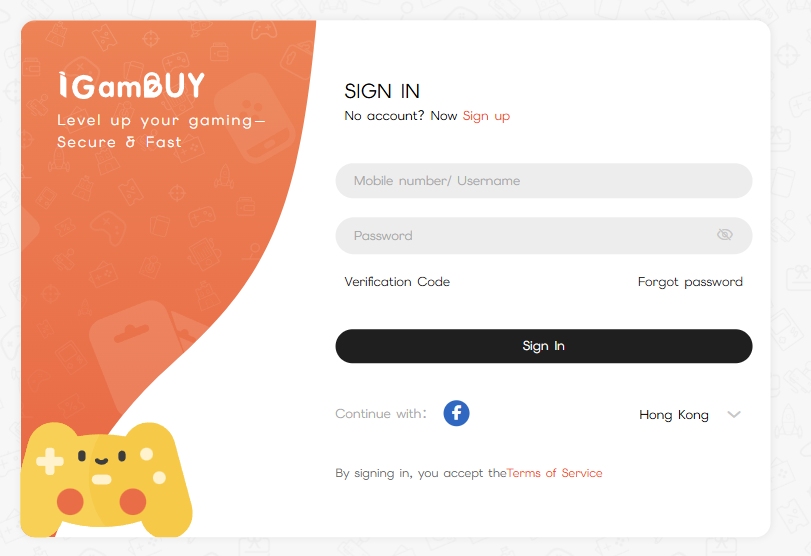
Step 1: Register or Login
Register a new account or log in to your iGameBUY member account.
Step 2: Select and Confirm Product
Direct Top-up: Enter the required Role ID or Character Name, verify the character details, and select the desired product.
Point Cards: Select the point card product, add it to your Shopping Cart, and proceed to checkout.
Step 3: Choose Payment Method
A. [Balance] Payment: Enter your payment password to complete the purchase.
If balance is insufficient, please top up in the Member Center via "Top-up Balance".
B. [PayMe]: Scan the generated QR code or jump to the PayMe App to pay.
C. [FPS]: Scan the generated QR code with any banking app to pay.
D. [Alipay HK]: Scan the QR code or jump to the Alipay HK App to pay. [Tutorial]
E. [WeChat Pay]: Scan the generated QR code with the WeChat App to pay.
F. [PayPal]: Follow the link to the PayPal interface to complete the payment.
G. [Boc Pay]: Scan the generated QR code with the Boc Pay App to pay.
H. [Octopus]: Scan the generated QR code with the Octopus App to pay.
I. [Tap&Go]: Scan the QR code or jump to the Tap&Go App to pay.
J. [MPay]: Scan the QR code or jump to the MPay App to pay.
K. [TNG eWallet (MY/SG)]: Scan the QR code or jump to the TNG App to pay.
L. [GrabPay (MY/SG)]: Follow the link to the GrabPay App to pay.
M.[Boost (MY/SG)]: Follow the link to the Boost App to pay.
Step 4: Receive Product or Confirm Top-up
Point Cards: Retrieve your card code in the iGameBUY Member Center.
Direct Top-up: Once the order is marked "Completed," please check the items in-game.
Need Help?
If the top-up items have not arrived or if you have any questions, please contact IG Customer Service.